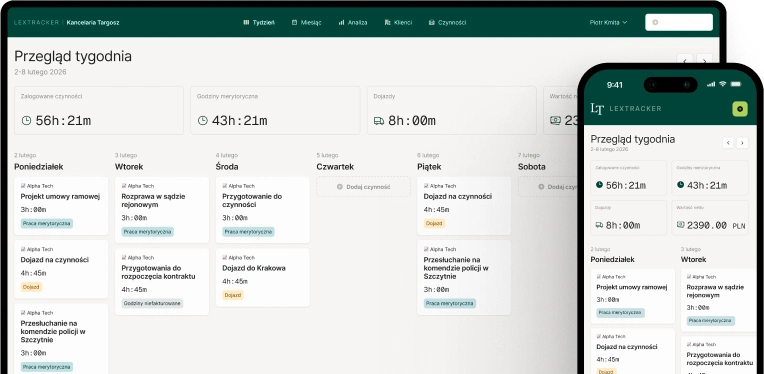
You log time in several different places
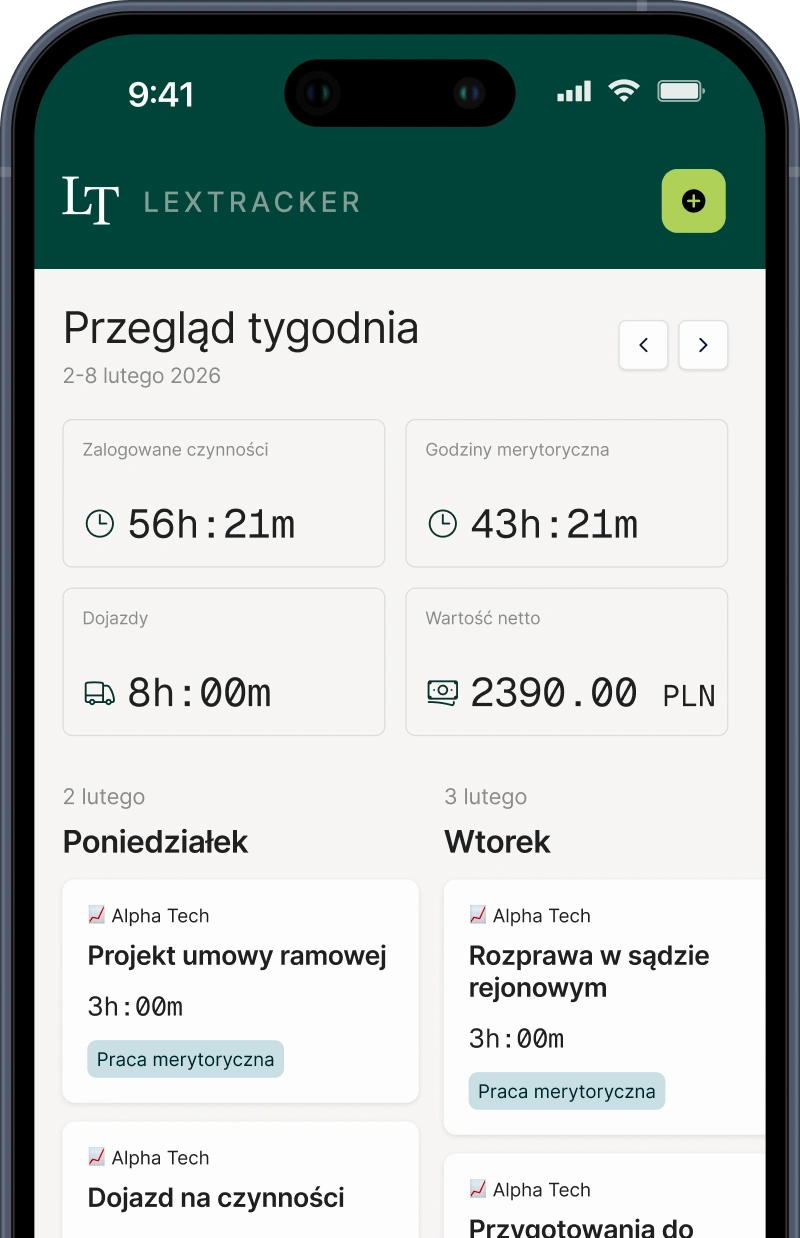
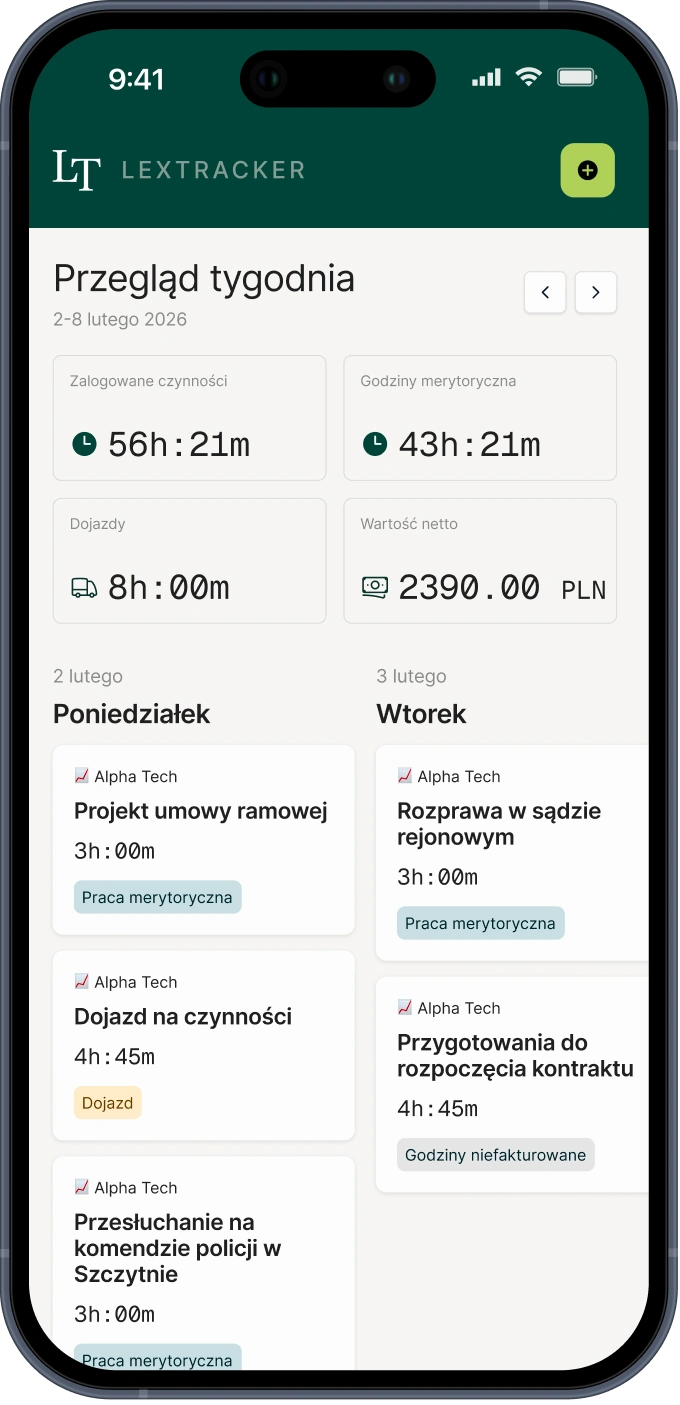
Hours are scattered across notes, calendars and quick entries. When it comes time to bill, it is hard to know whether everything has been captured.
In one place, you track time, organise billing and create clear summaries to better control matter profitability and Client communication.
What we help with
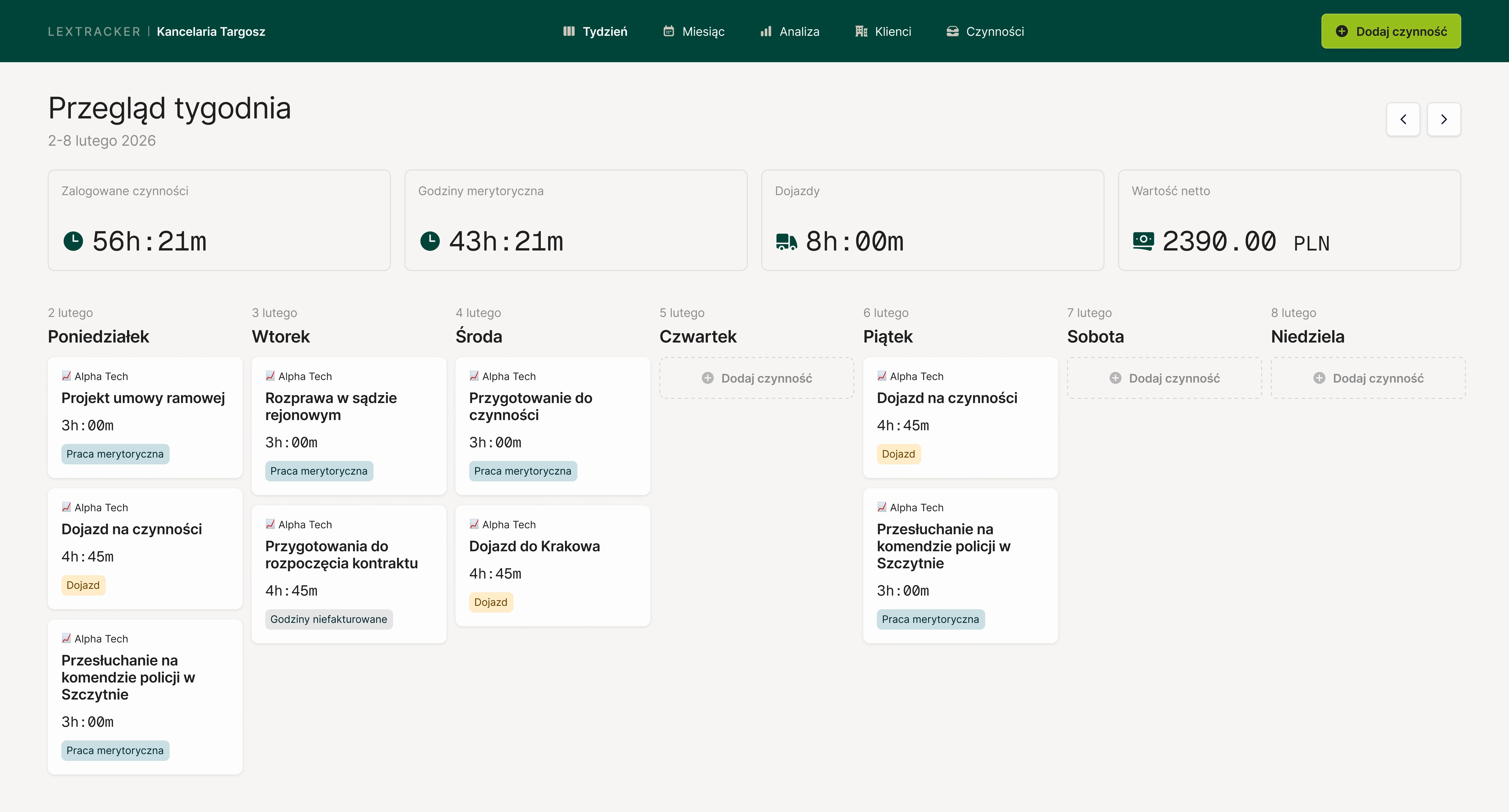
LexTracker helps you organize day-to-day work across Clients and matters, from time entries to clear summaries and meaningful performance insights.
Hours are scattered across notes, calendars and quick entries. When it comes time to bill, it is hard to know whether everything has been captured.
Billing should be clean, professional and ready to send without manually stitching data together from multiple places.
Once matters are billed in different ways, it becomes harder to keep structure and consistency across Client work.
A fee alone does not show how much work a matter really required. Without time tracking, it is difficult to judge whether the pricing was accurate.
How it works in practice
LexTracker organises your work step by step: from adding a Client and matter, through recording time, to Client summaries and activity analysis.
You enter the Client details, choose the billing model and define the rules of the engagement. Once saved, those settings stay with the matter.
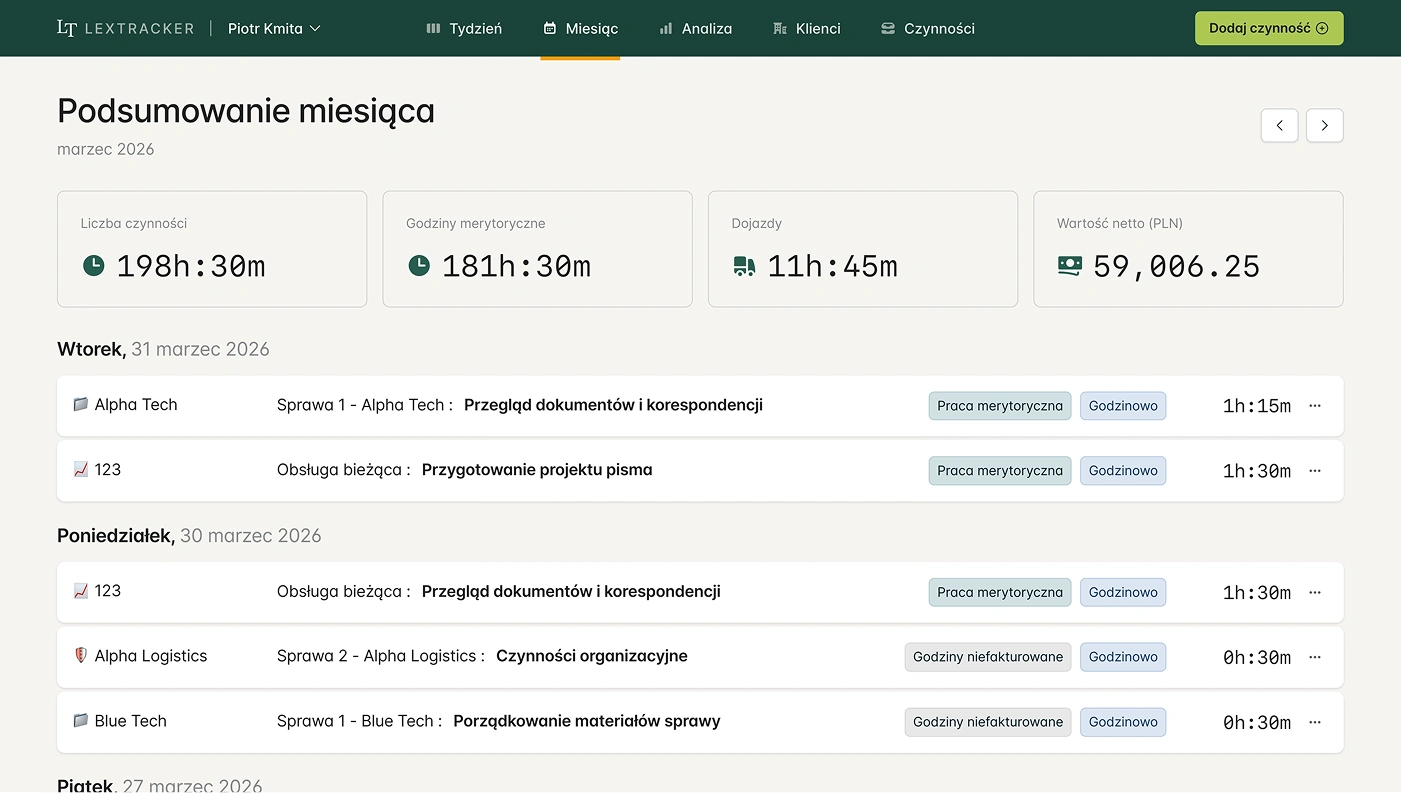
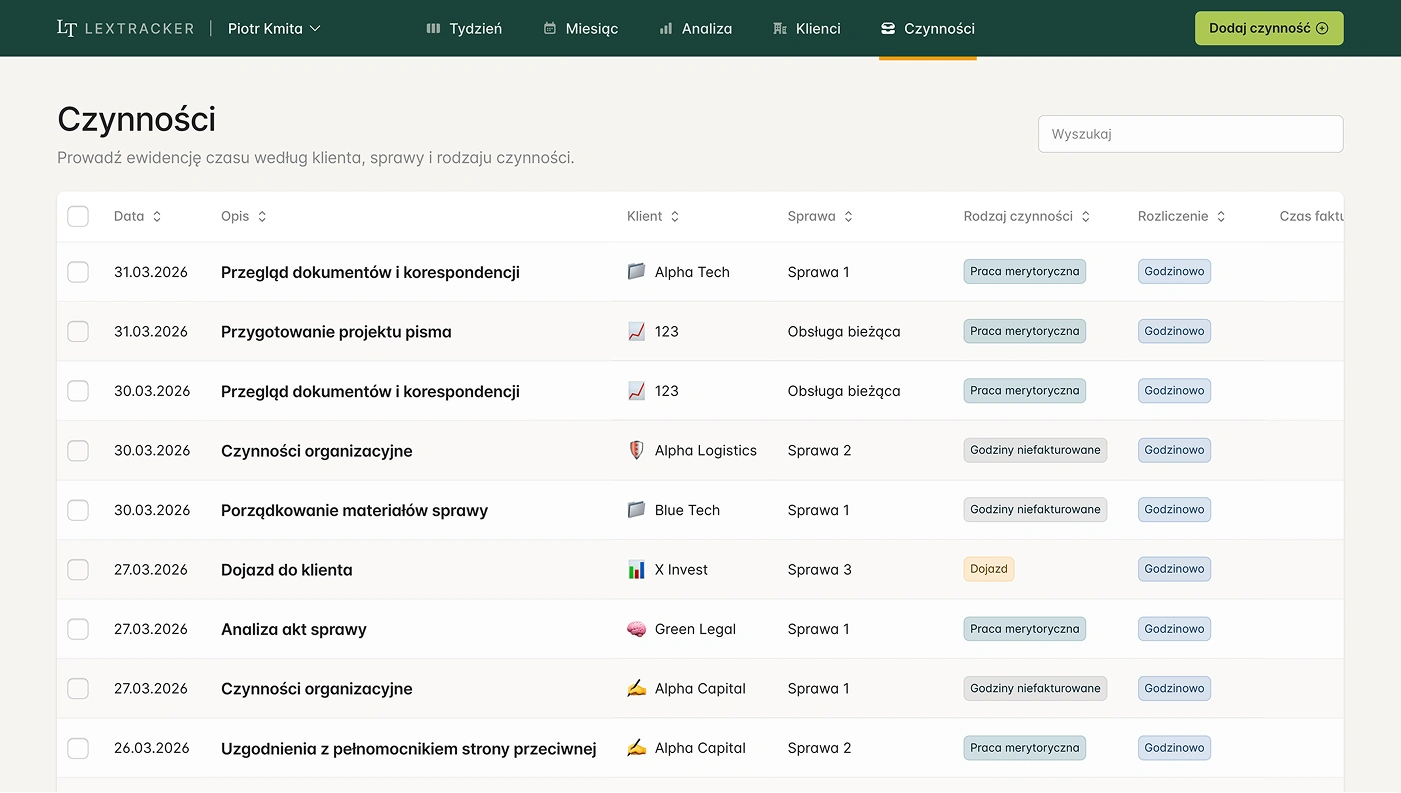
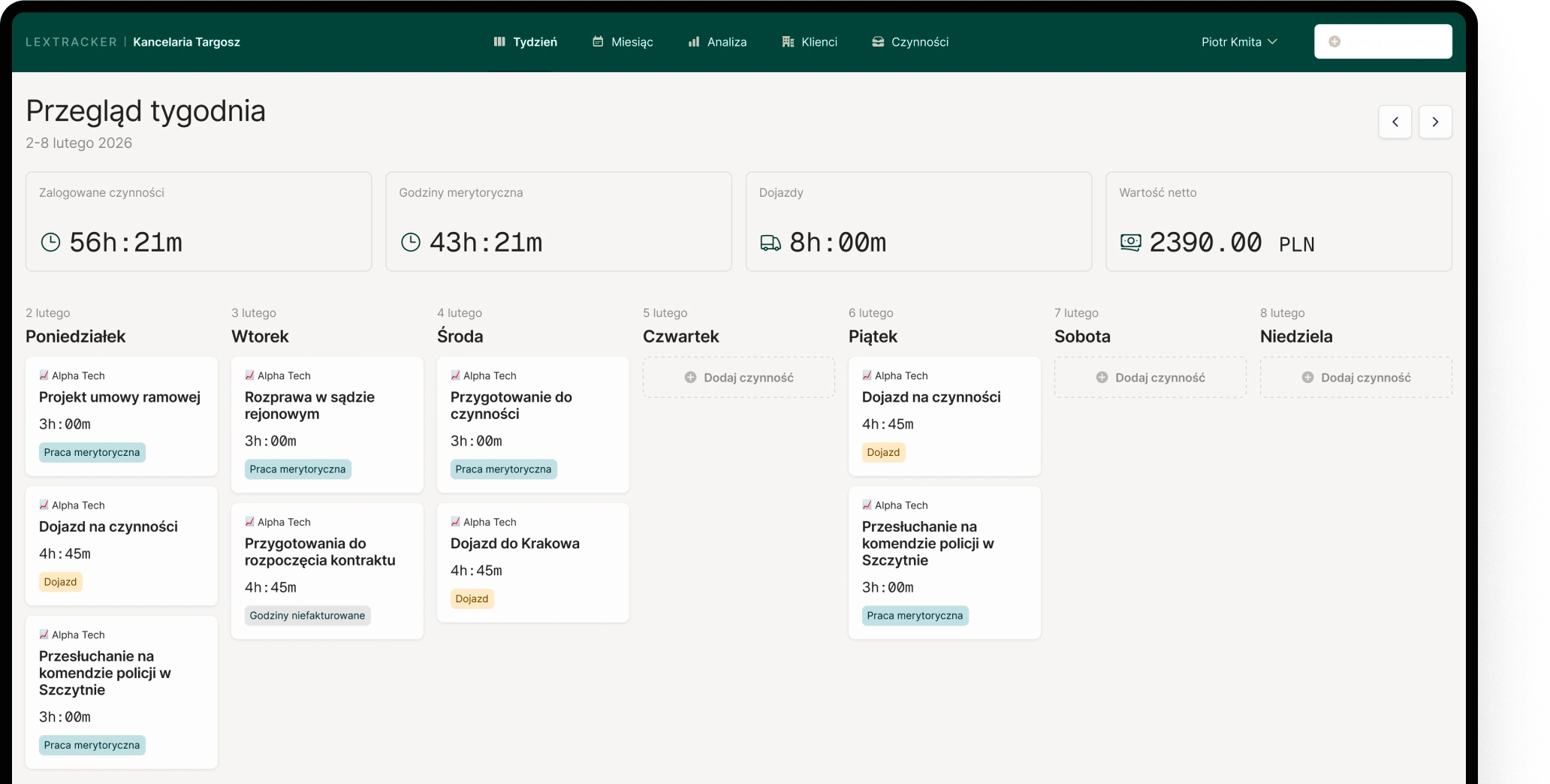
Each activity is recorded together with the time spent, separated into legal work, travel and non-billable tasks. That keeps the record complete and ready for billing.
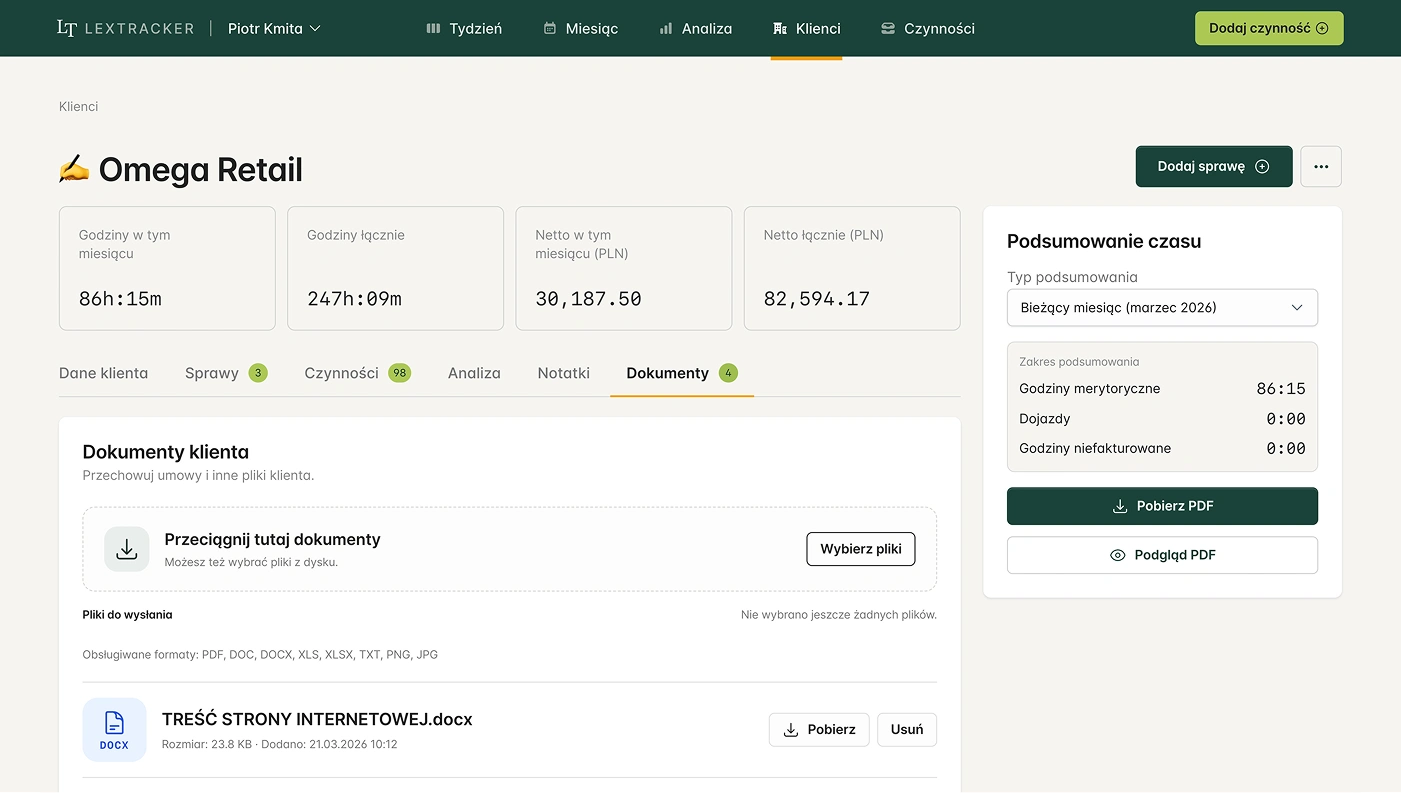
In just a few seconds, you can create a polished PDF summary with your Law Firm logo, ready to share with the Client and filtered by a chosen date range.
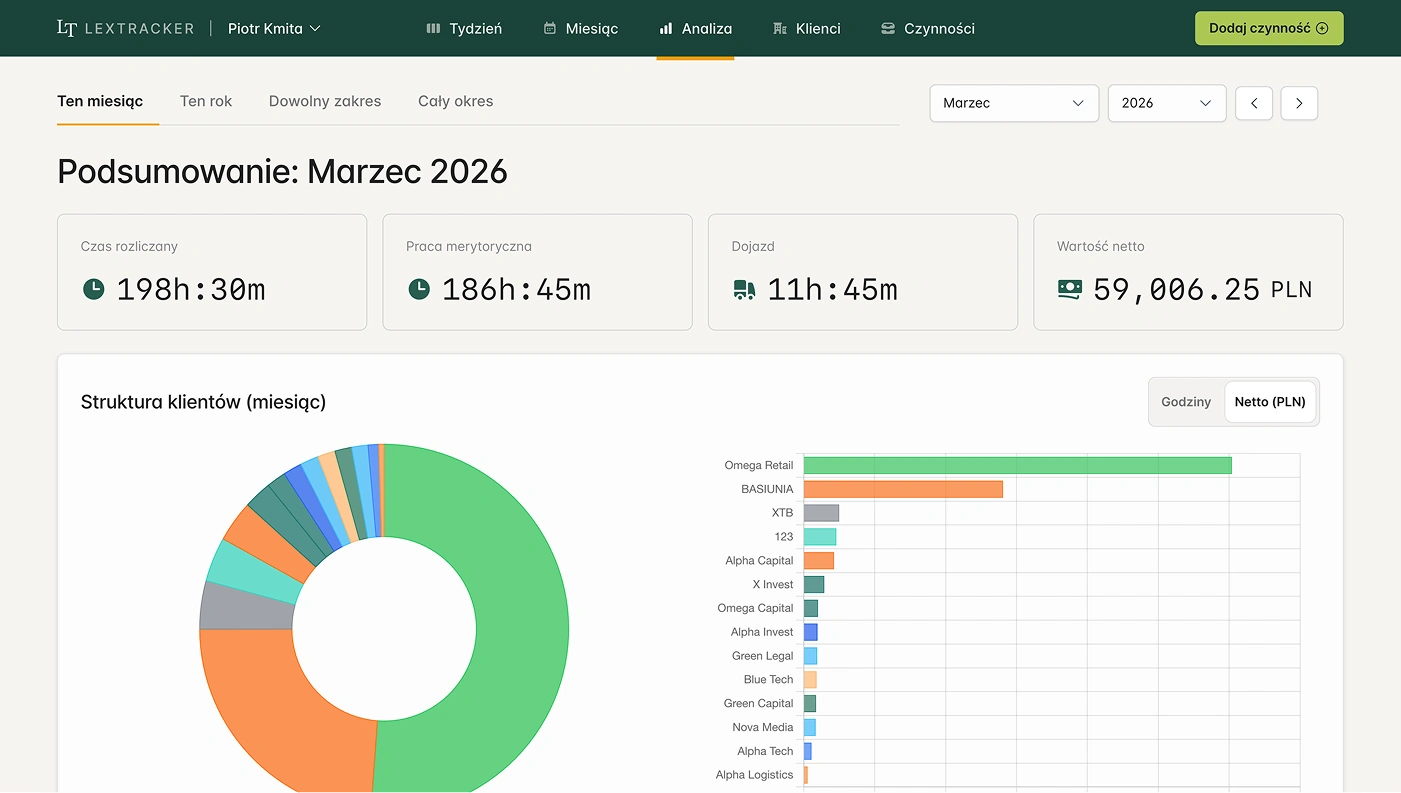
You always have access to structured time and value data, making it easier to assess profitability and whether the chosen billing model still makes sense.
Why it works
LexTracker turns time entries into useful operational data. That gives you faster billing, clearer organization and better insight into which matters are priced well and which ones need a different approach.
Created for lawyers and smaller Law Firms that want to operate professionally without implementing a heavy all-purpose system.
Designed for one concrete goal: fast time capture and efficient billing cycles.
Time and value data makes it easier to see which matters and Client relationships are most beneficial from the Law Firm's perspective.
The information you work with in the system stays properly protected and secure.
Who is building LexTracker

She shapes the functional direction of LexTracker and develops the product content so it reflects the real day-to-day work of a lawyer.

He is responsible for product development and everyday usability, making sure LexTracker stays simple, practical and ready to use from day one.


Pricing
You start with 30 days of full access to either the Individual or Team plan. After that, you can move to a paid plan or stay on the free version with limits.

Free version
0 PLN
Available for free after the 30-day trial

Individual plan
49 .99 PLN / mo
Best for solo practices

Team plan
129 .99 PLN / mo
Ideal for small and medium-sized law firms
30 days free. No card required. After that, you choose a paid plan or stay on the free version.
FAQ
Getting started with LexTracker is simple. You create an account and can begin using the product right away, with no card required and full access to a 30-day free trial.
No. LexTracker prepares the data and work summaries needed for billing, but it does not replace invoicing or accounting software.
Yes. LexTracker is built around Clients and their related matters, so you can stay organised even when you handle more than one matter for the same person or firm.
Yes. You can bill Clients in several ways: hourly, on a monthly retainer, in hour bundles, or on a fixed price basis.
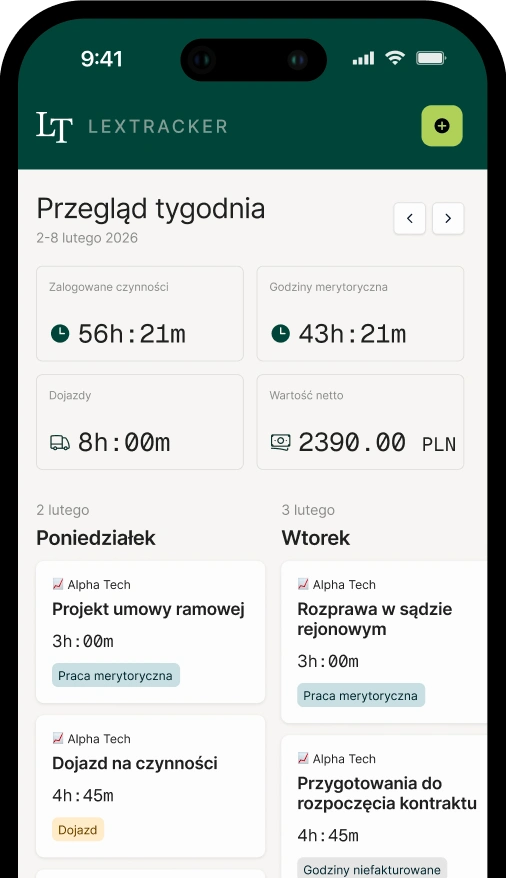
Yes. It is a web application available on desktop and mobile, so you can keep it close at hand even when you are away from the office.
Yes. LexTracker supports travel, VAT and additional billing rules, making it easier to stay organised even with less straightforward billing arrangements.
Yes. Each Client can have documents stored in the system, such as a power of attorney, engagement agreement or any other file you need for the relationship. This helps keep the most important materials in one place.
Yes. Documents are scanned on upload to reduce security risks associated with file attachments.
Yes. You can keep notes at the Client level and save the most important details there, instead of searching for them across different tools.
Yes. In LexTracker, you can record legal work, travel and non-billable tasks. This keeps the history of work on a matter complete and organised, even when not every activity is billed to the Client.
Yes. Data in LexTracker is properly secured so you can use the system with confidence. The system uses an architecture with regular backups, the Law Firm data administration model is designed with professional ethics principles and GDPR requirements in mind, and data is stored on servers located in the European Union.
No risk. If it is not a fit, you simply cancel.